




PERFECT SOUND. MADE SIMPLE.
Control and customize your JL Audio Primacy audio system from anywhere.

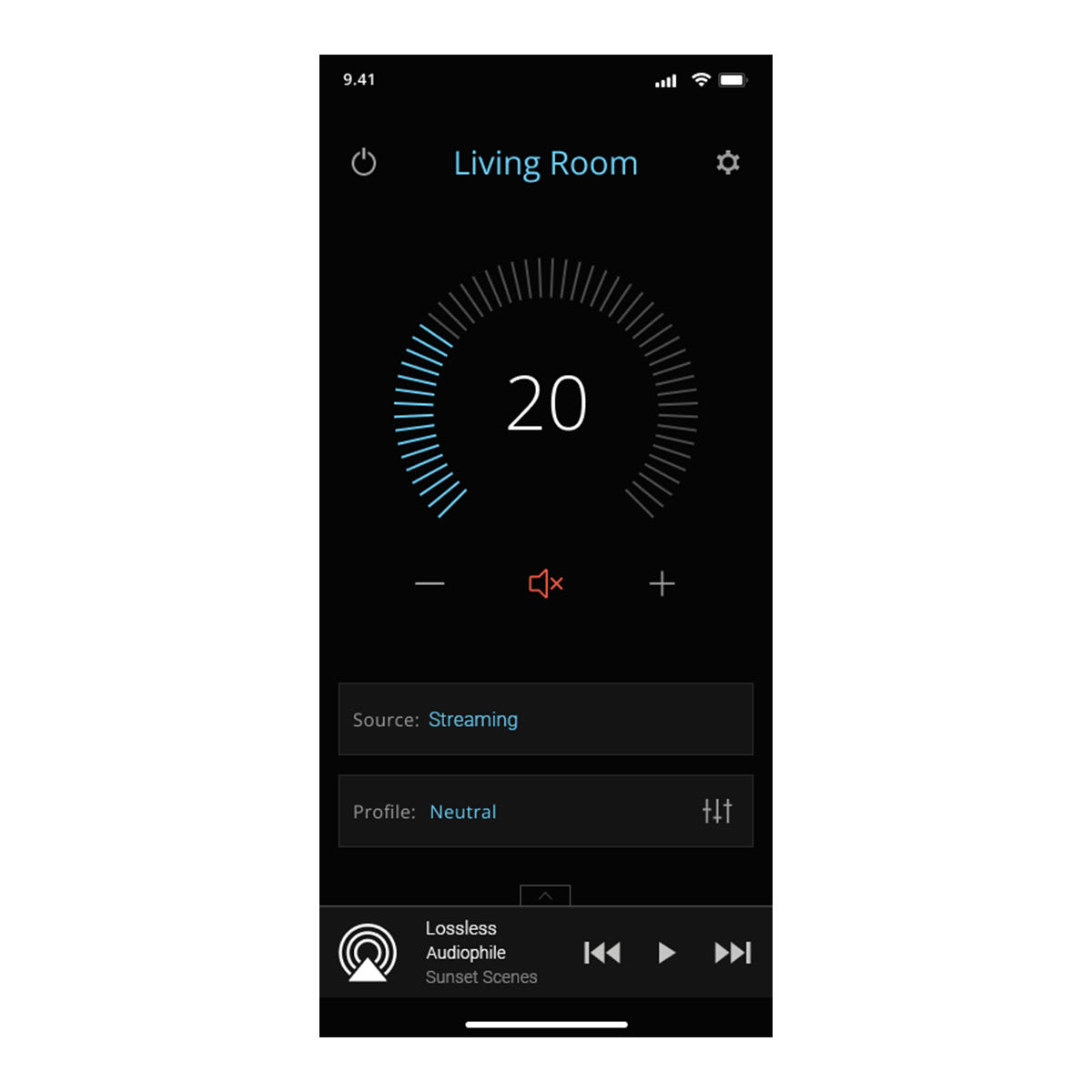
AUDIO CONTROL

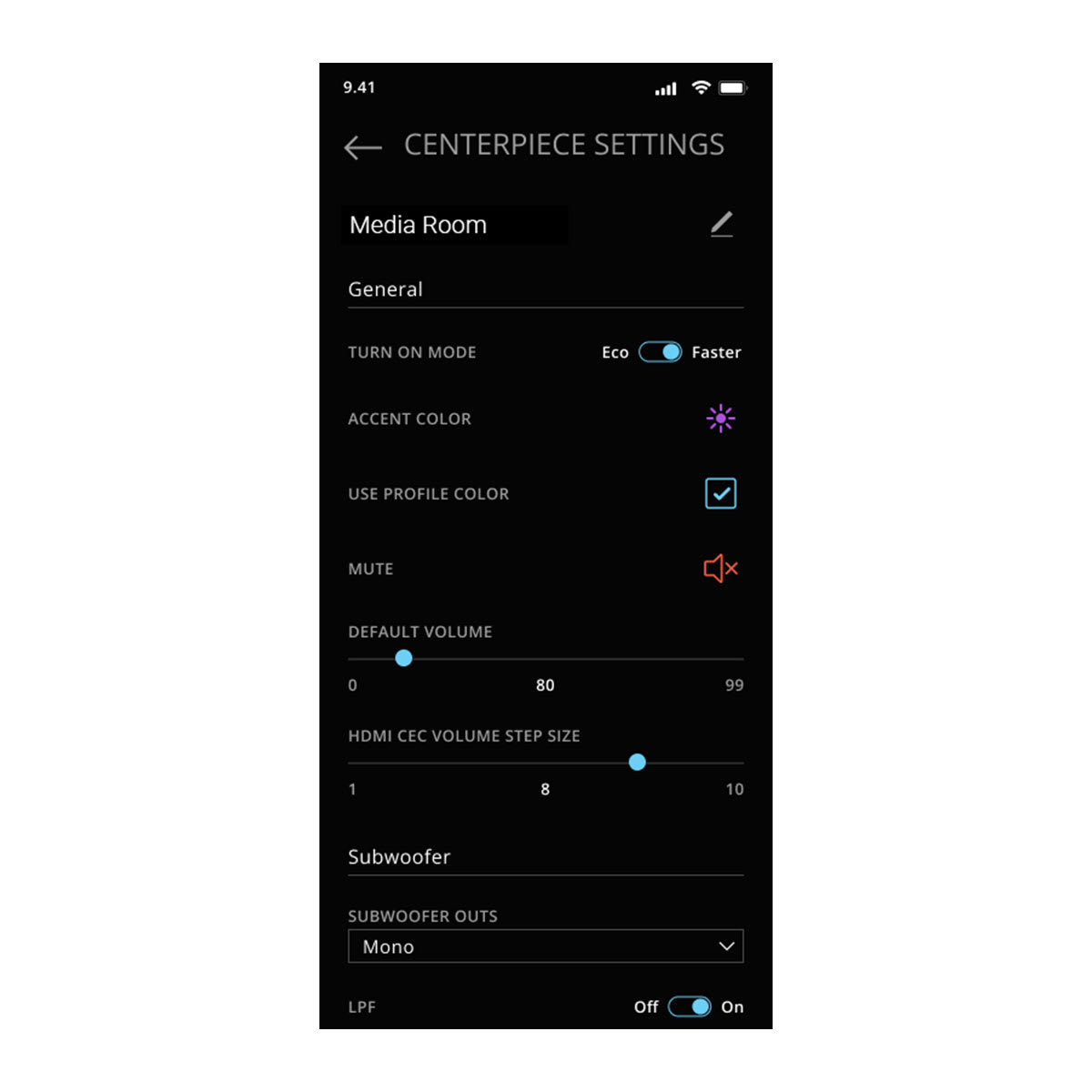
SOURCE SELECTION AND SYSTEM CONFIGURATION

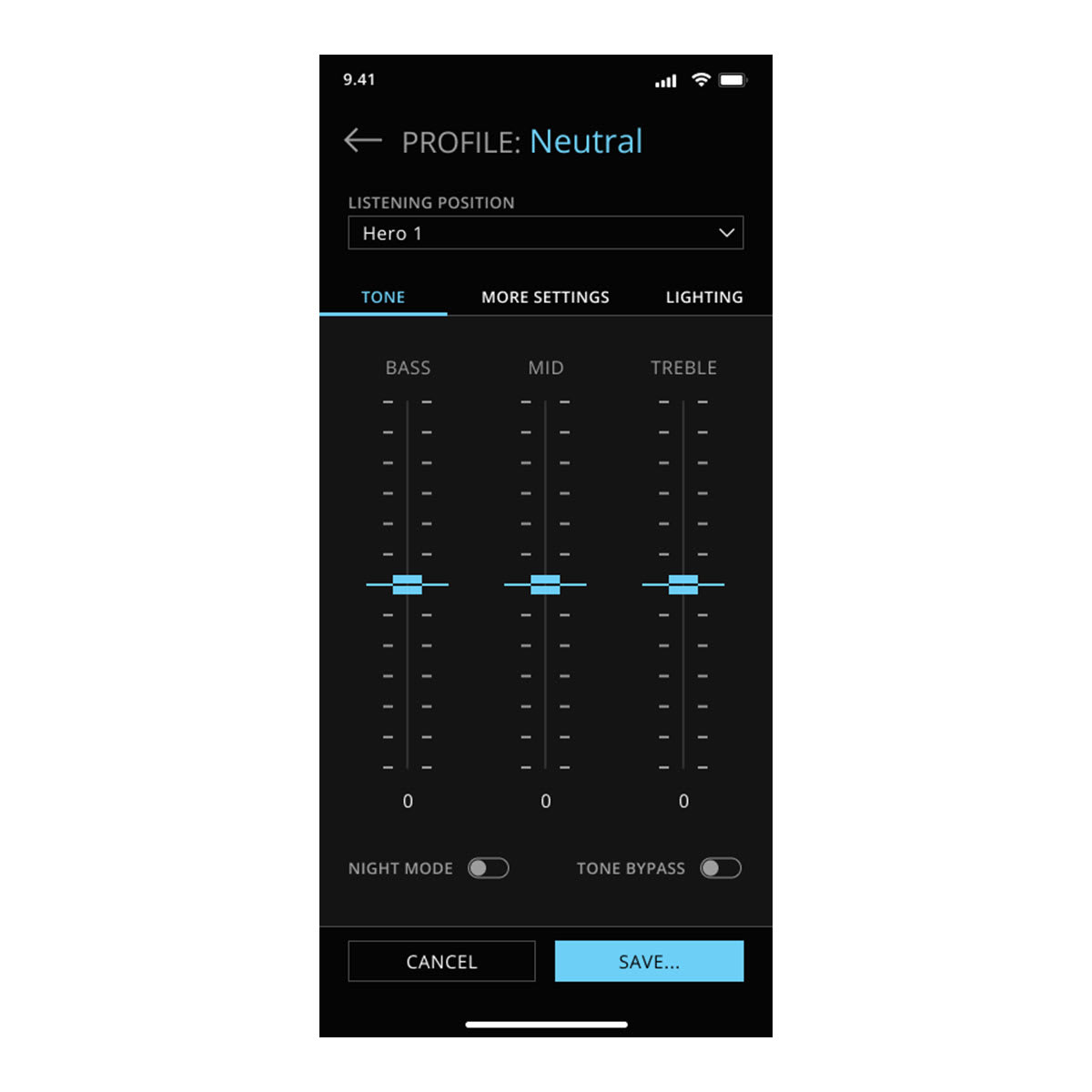
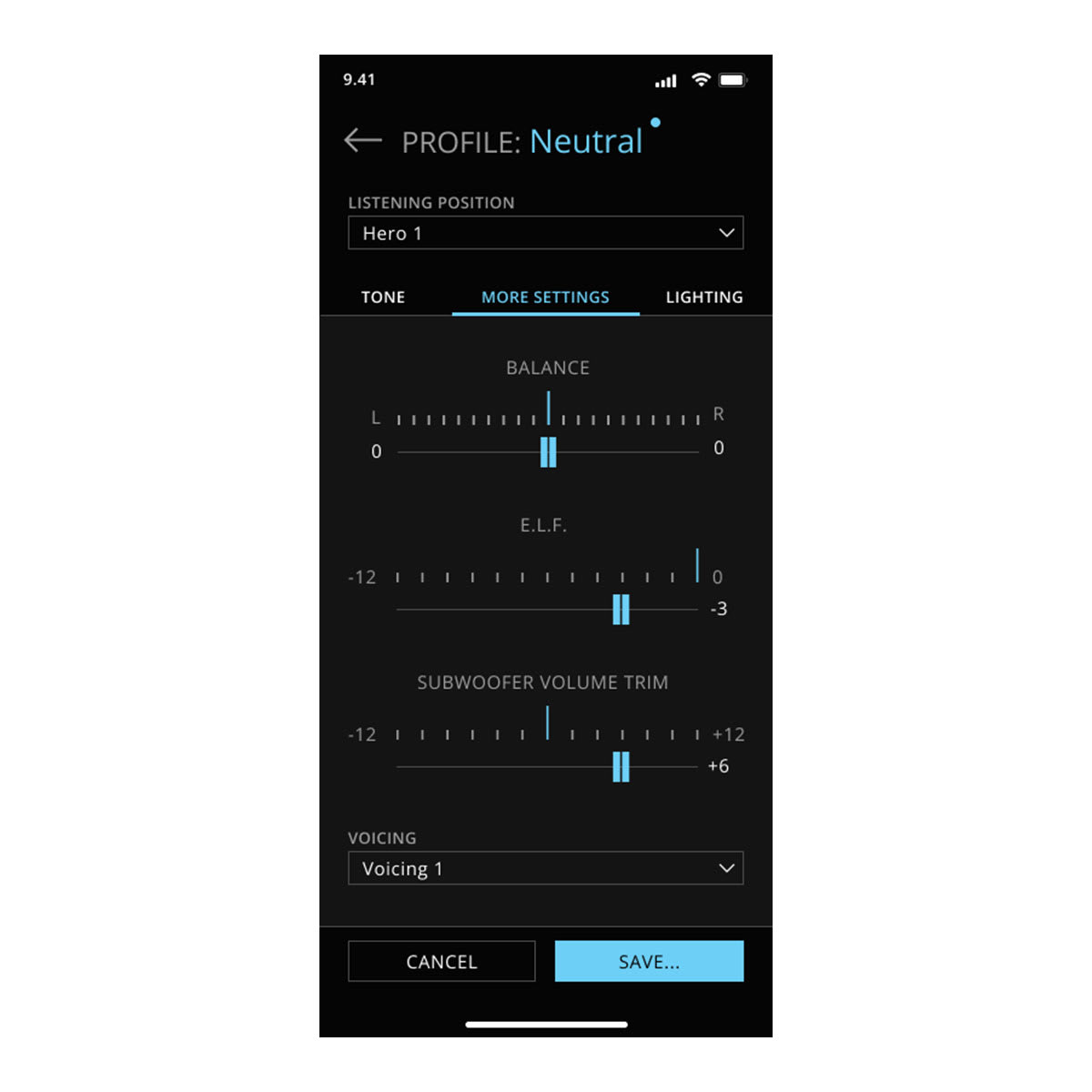
CREATE UNIQUE USER PROFILES

VIEW WHAT’S PLAYING

AVAILABLE ON YOUR COMPATIBLE SMARTPHONE OR COMPUTER
WHAT YOU’LL LOVE
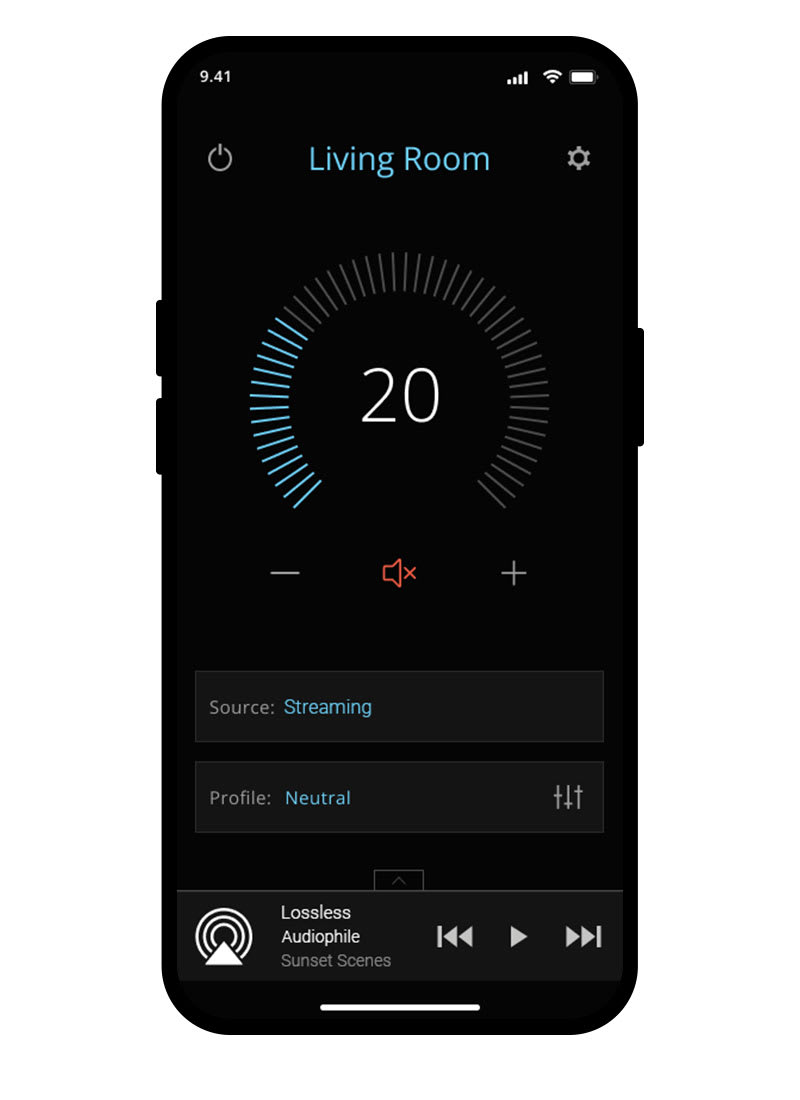
EASY ADJUSTMENTS
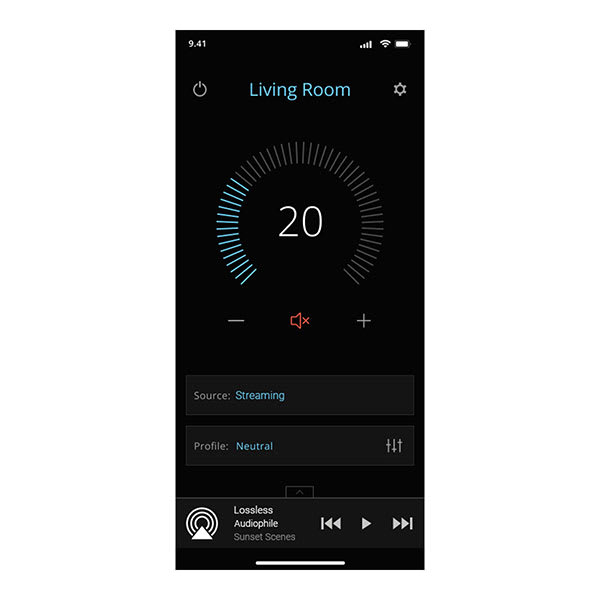
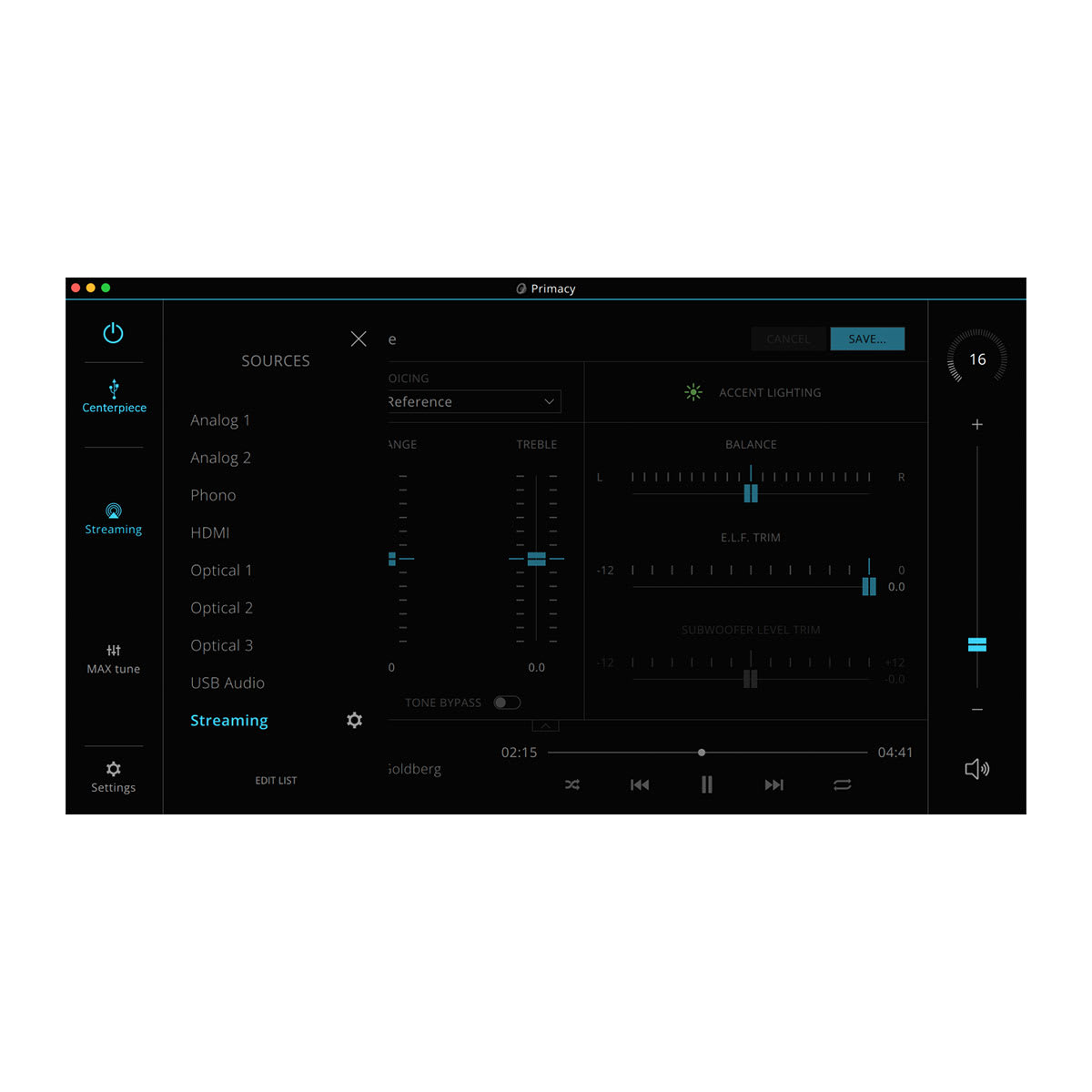
Quickly select your preferred source and profile. Plus, you can pause, play, skip and adjust the volume. When streaming, view track, album and artist information.
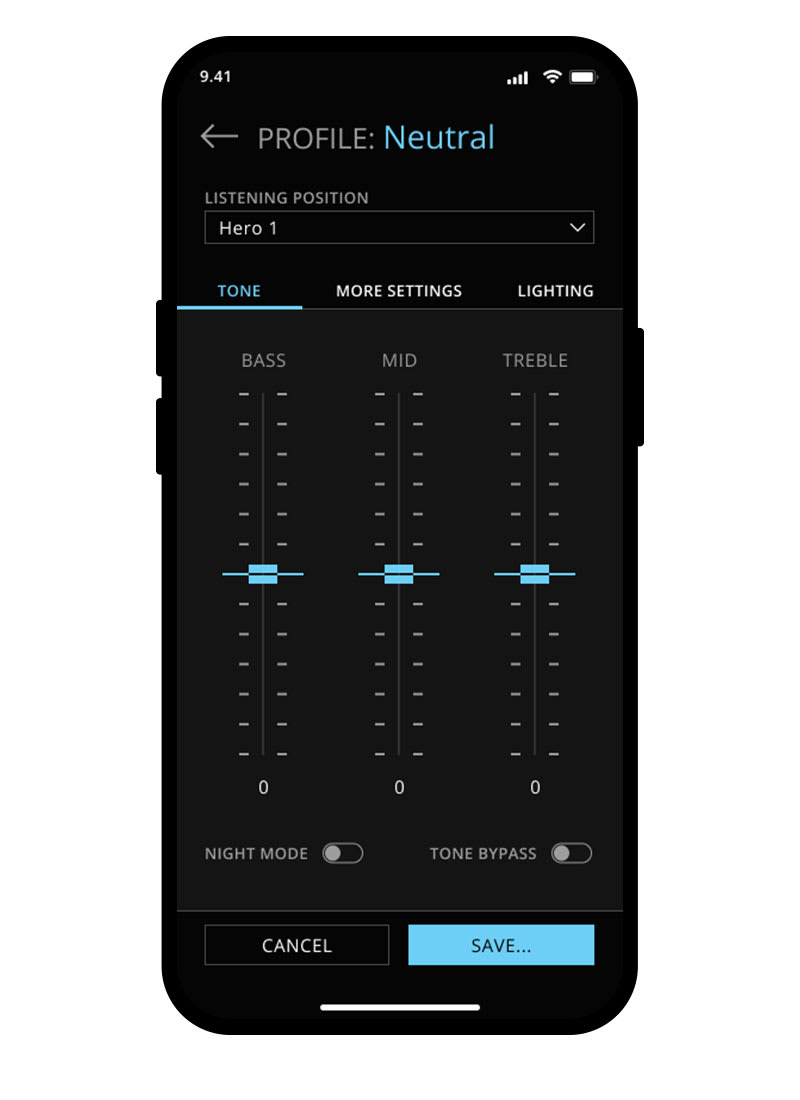
FINE TUNING
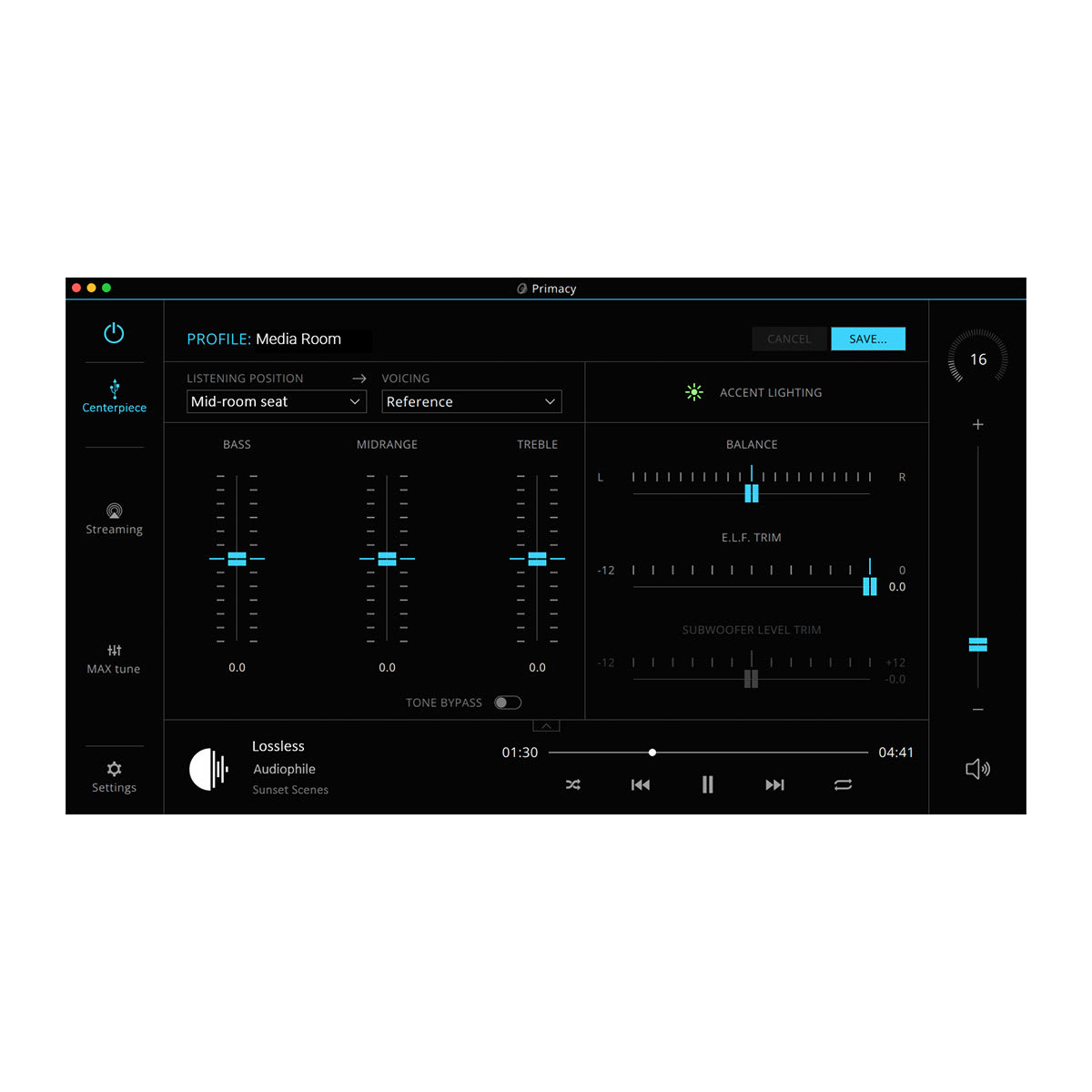
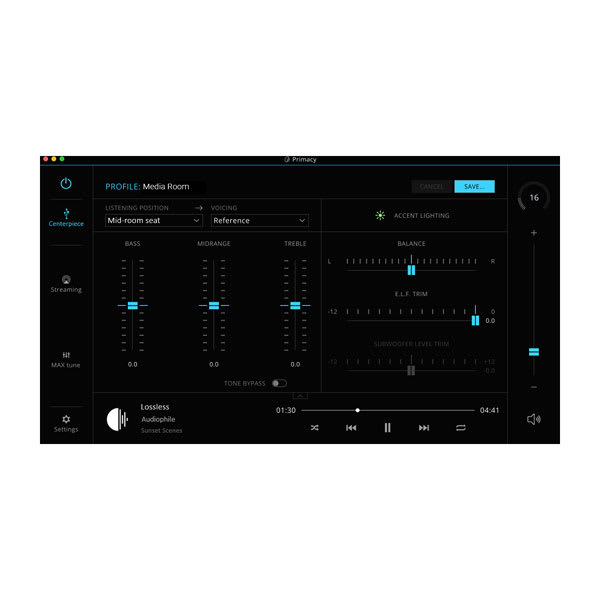
Easily adjust bass, mid and treble with slide controls, and select your listening position for the perfect experience.
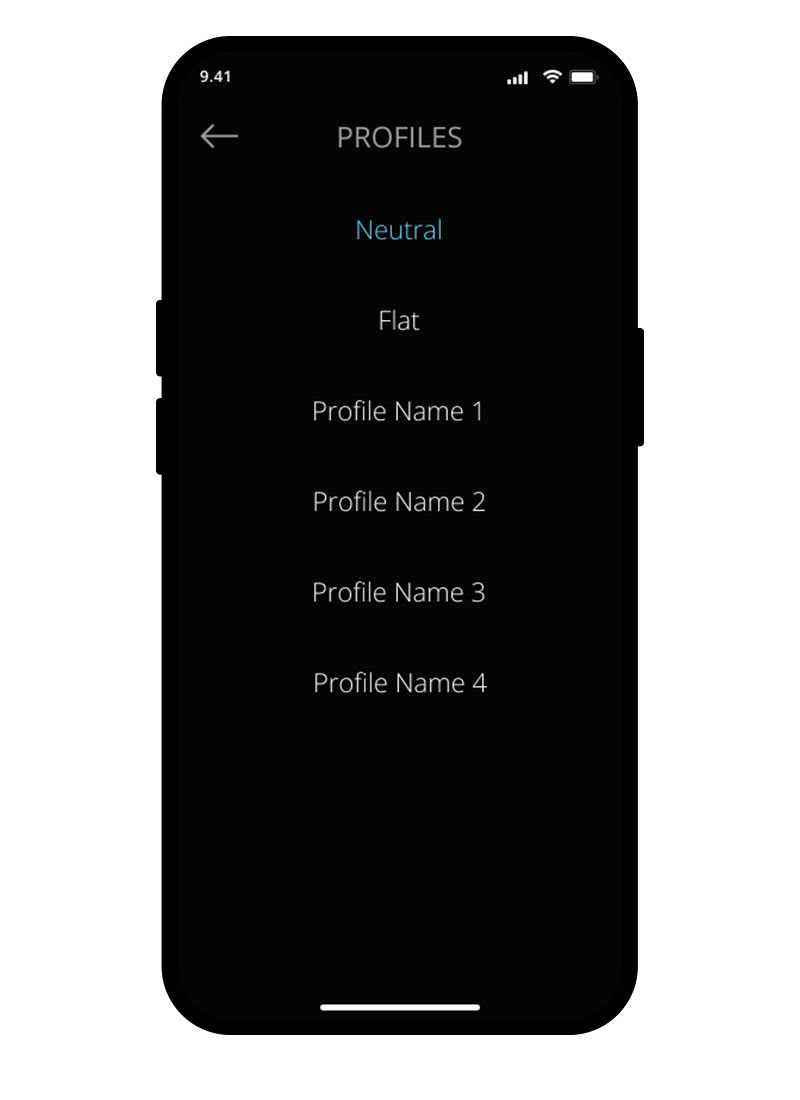
USER PROFILES
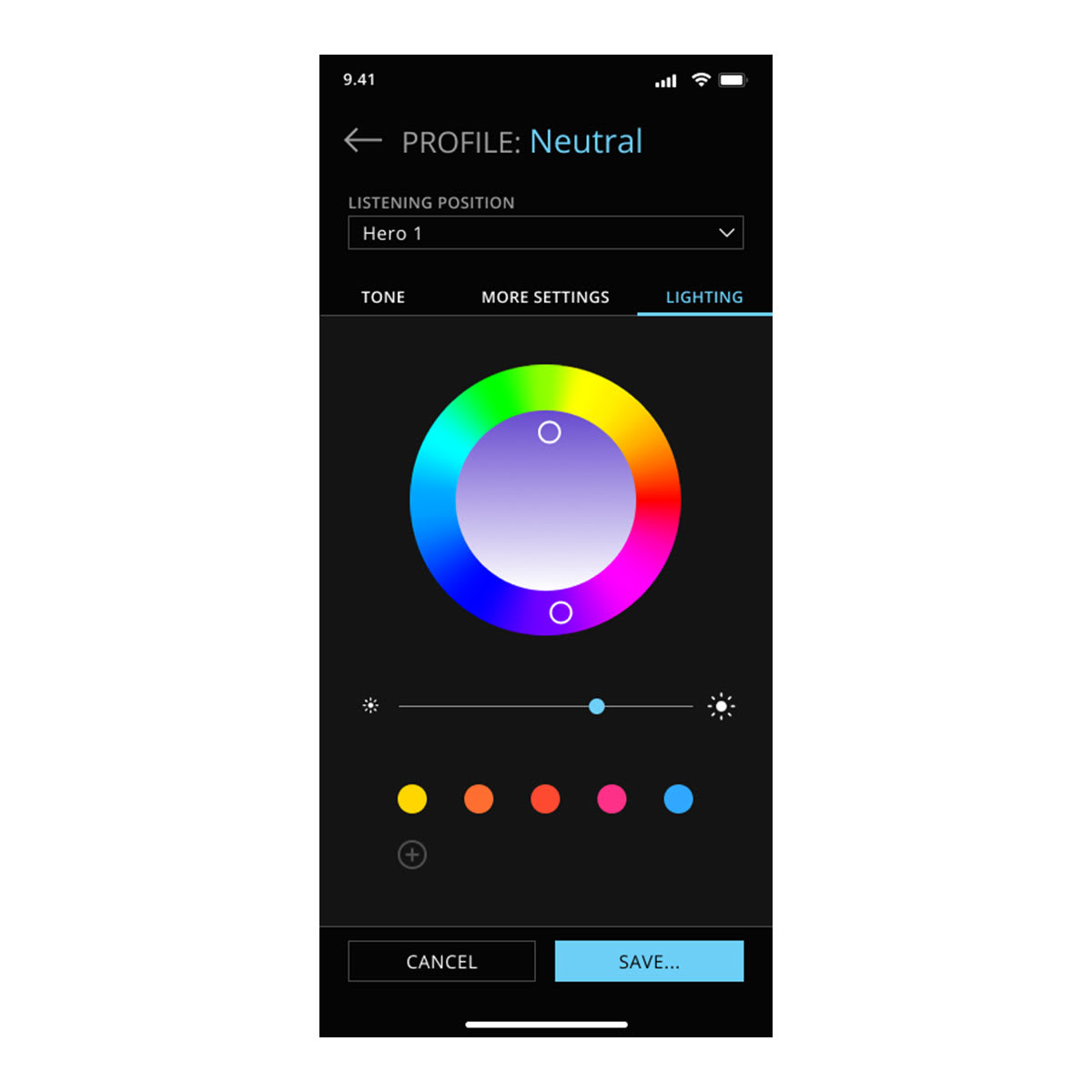
Fine-tune your audio experience with adjustable sound and accent lighting controls.
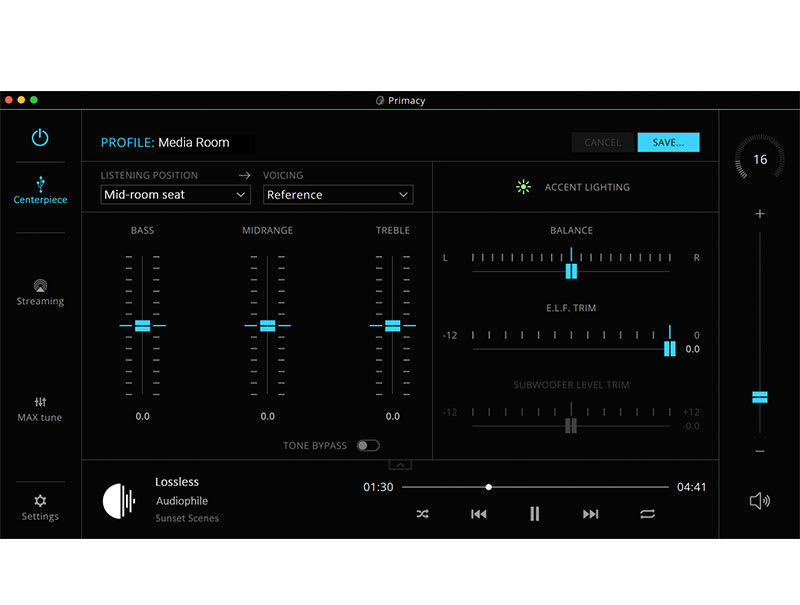
ADVANCED CONTROL
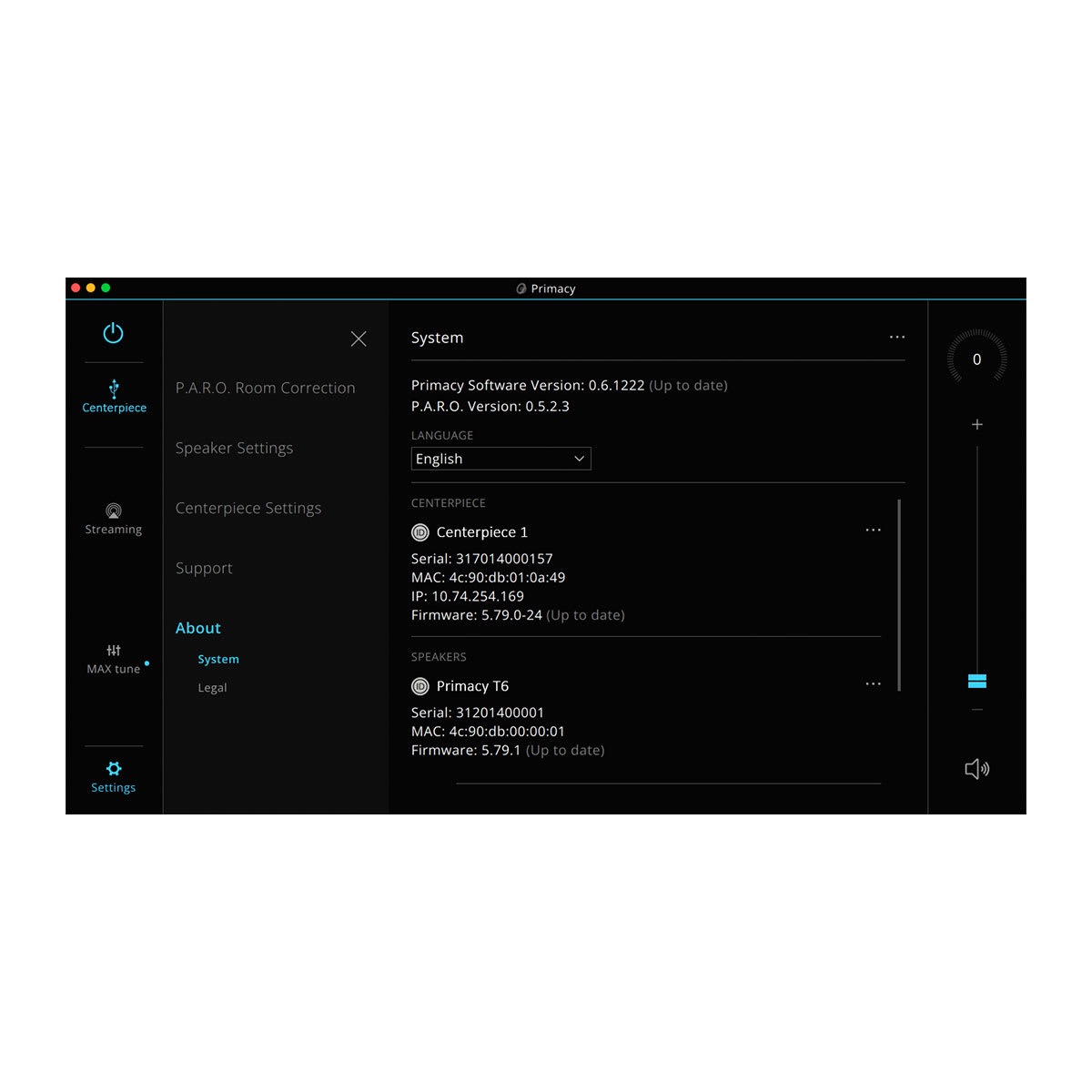
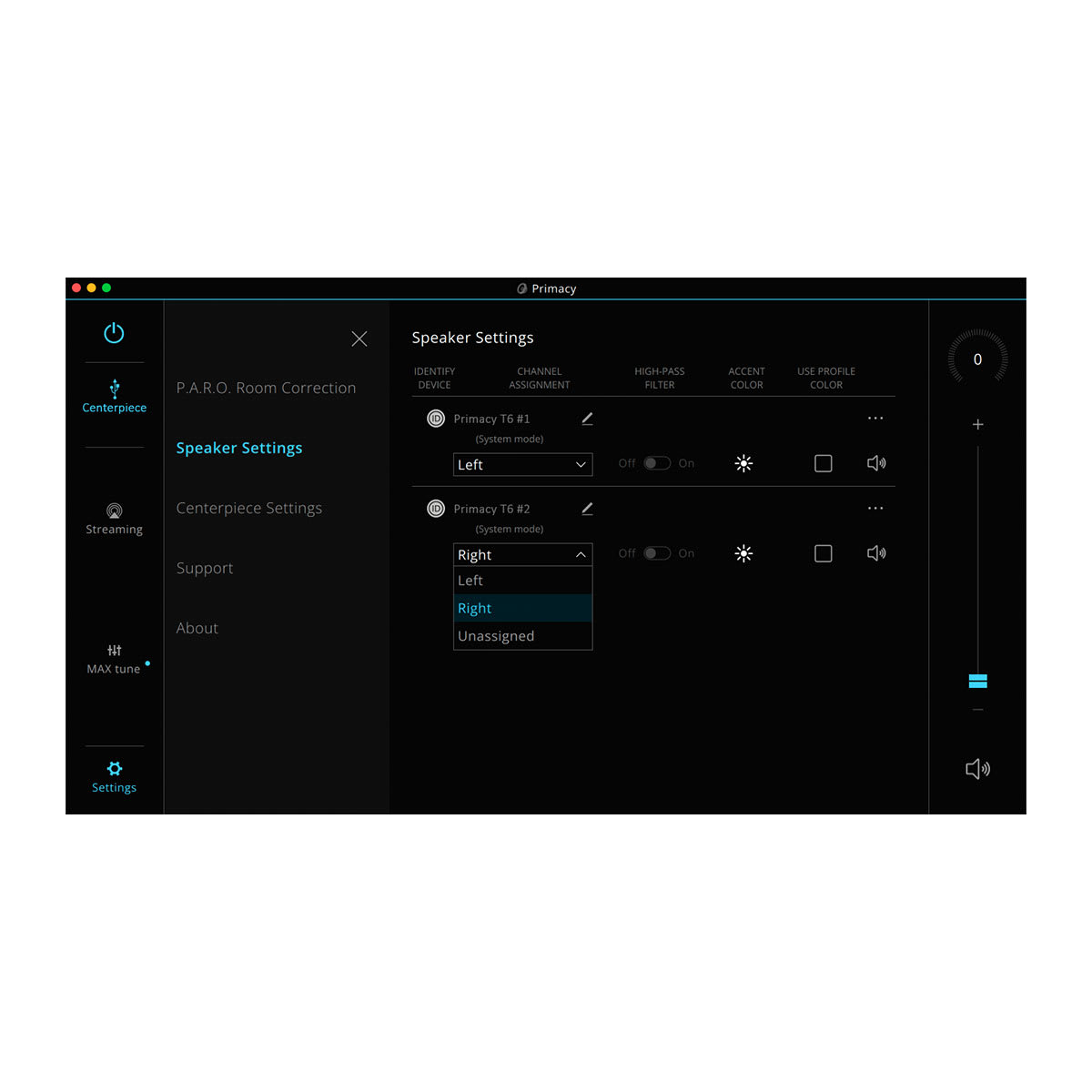
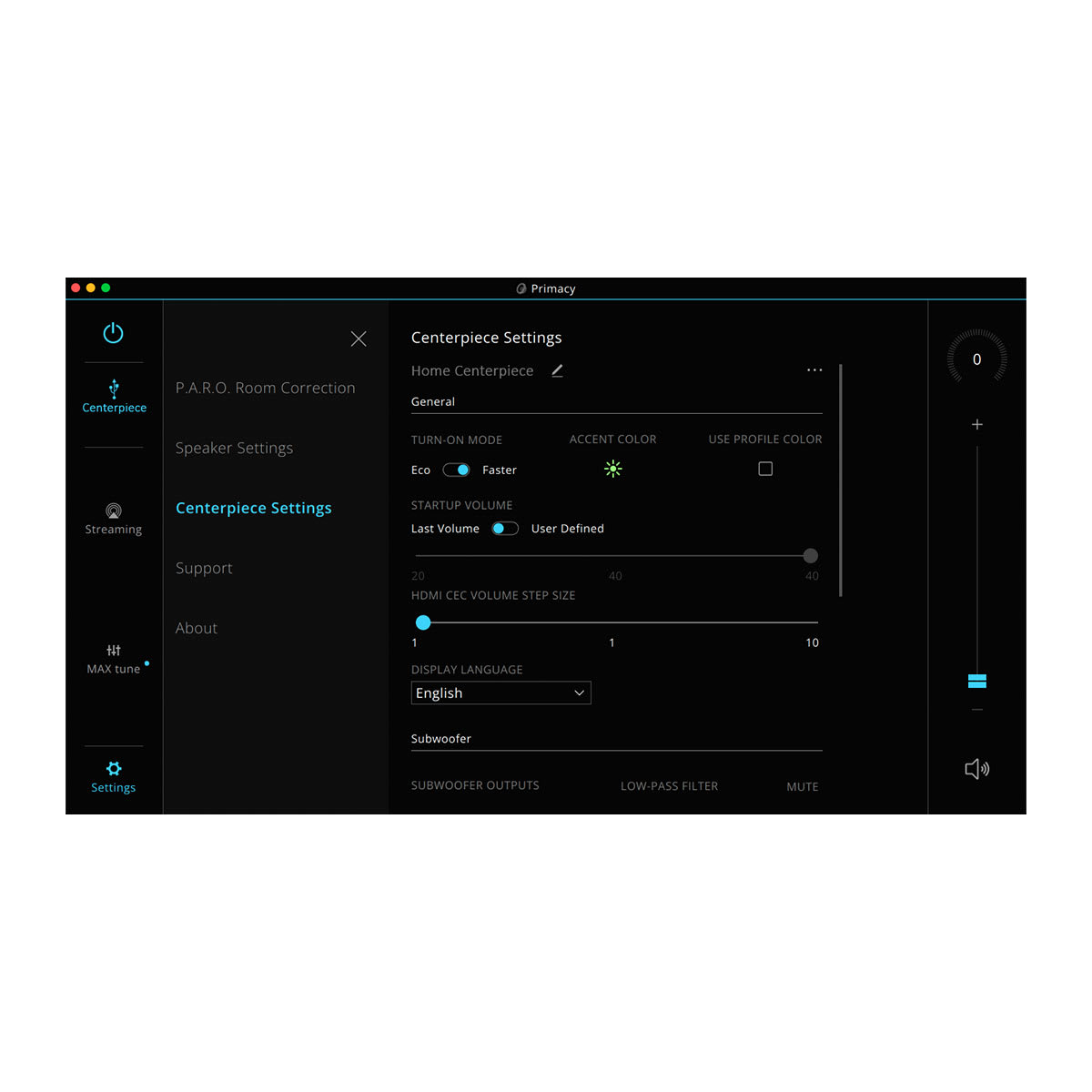
With the Primacy desktop app on your computer, adjust all volume and tone levels, plus change sources, settings and subwoofer level trim. When streaming, view track, album and artist information.
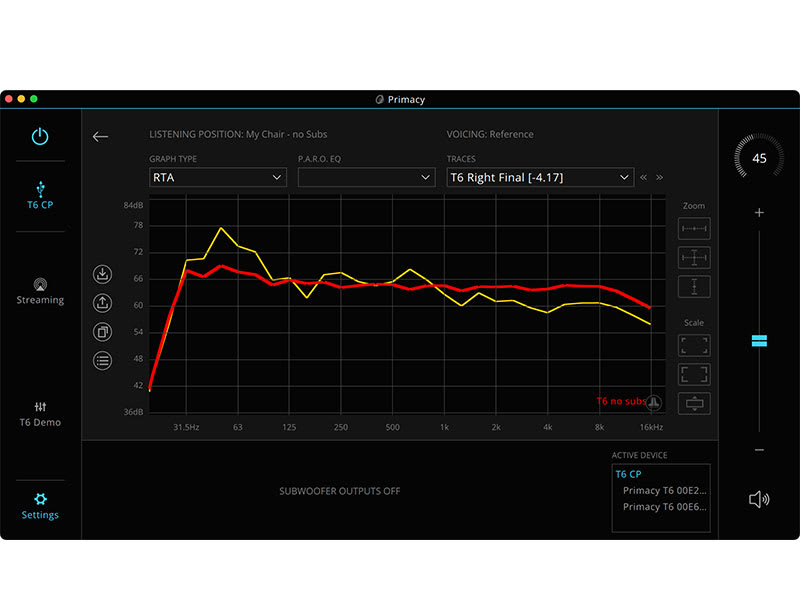
ROOM OPTIMIZATION CONTROL
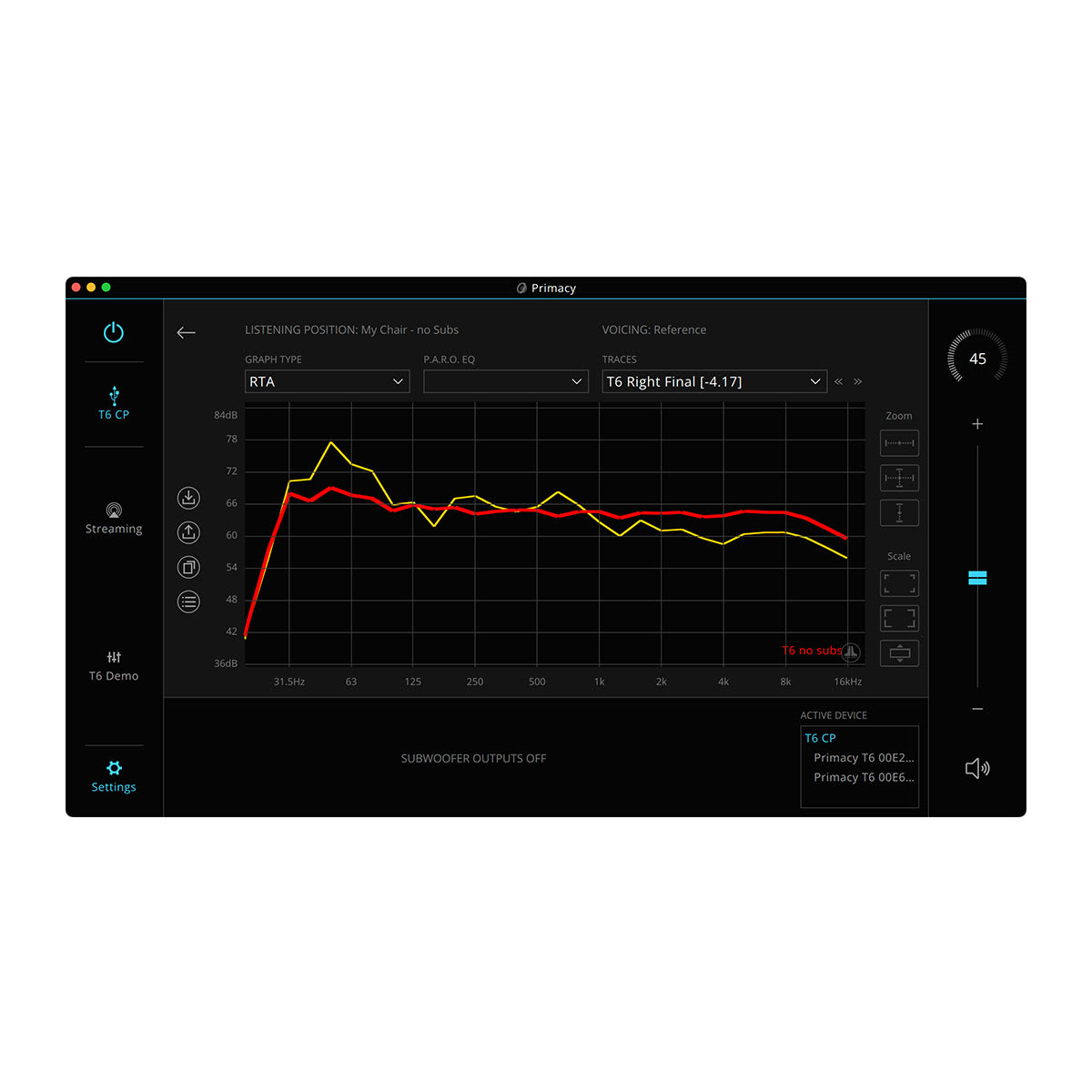
For the best possible listening experience, initiate Primacy Automatic Room Optimization calibration with the Primacy desktop app on your computer. Plus, view detailed before-and-after results.
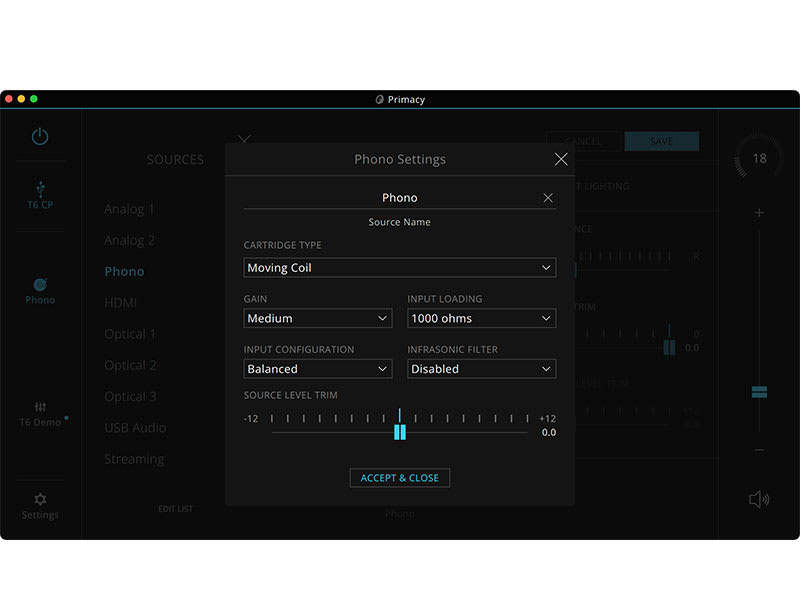
SOURCE SETUP
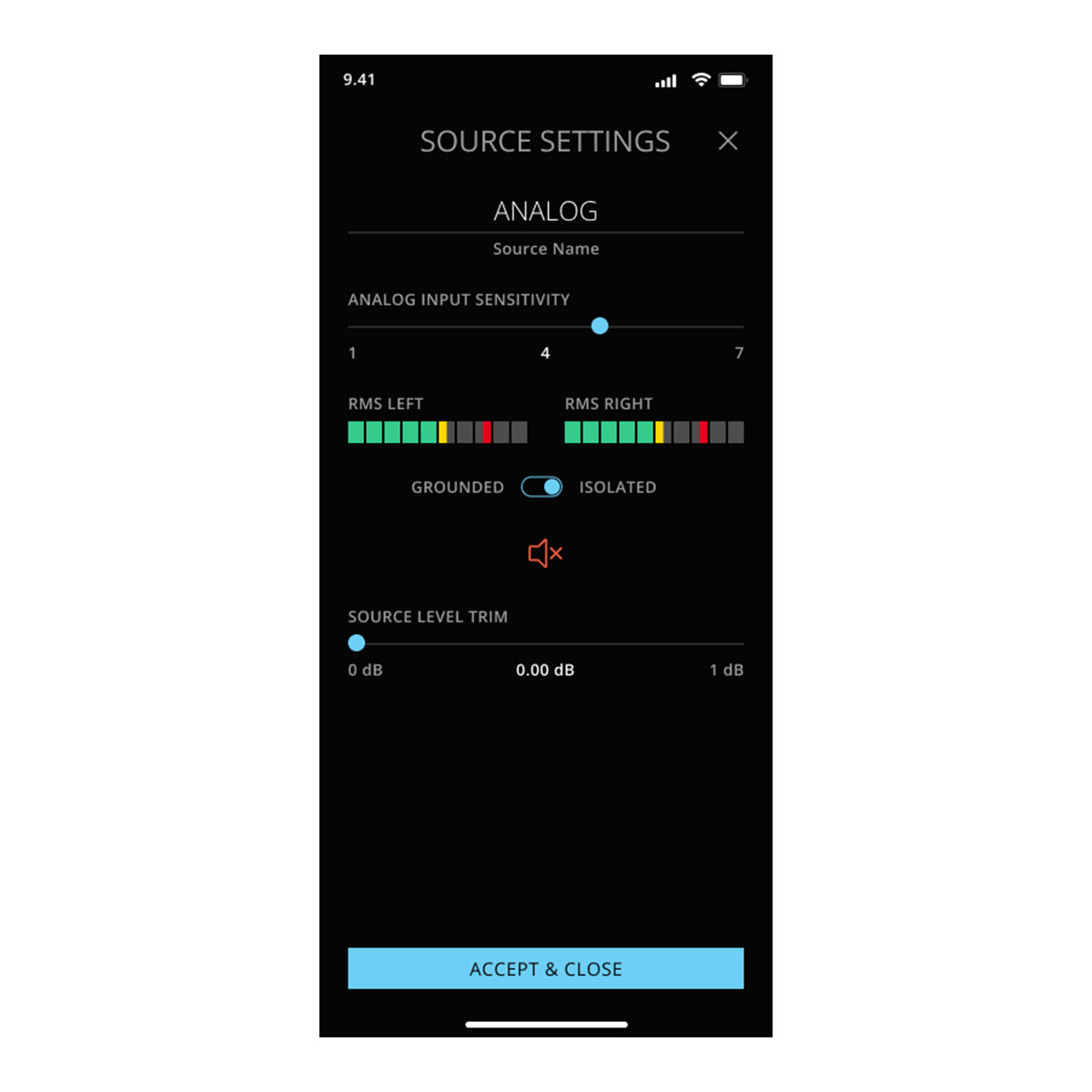
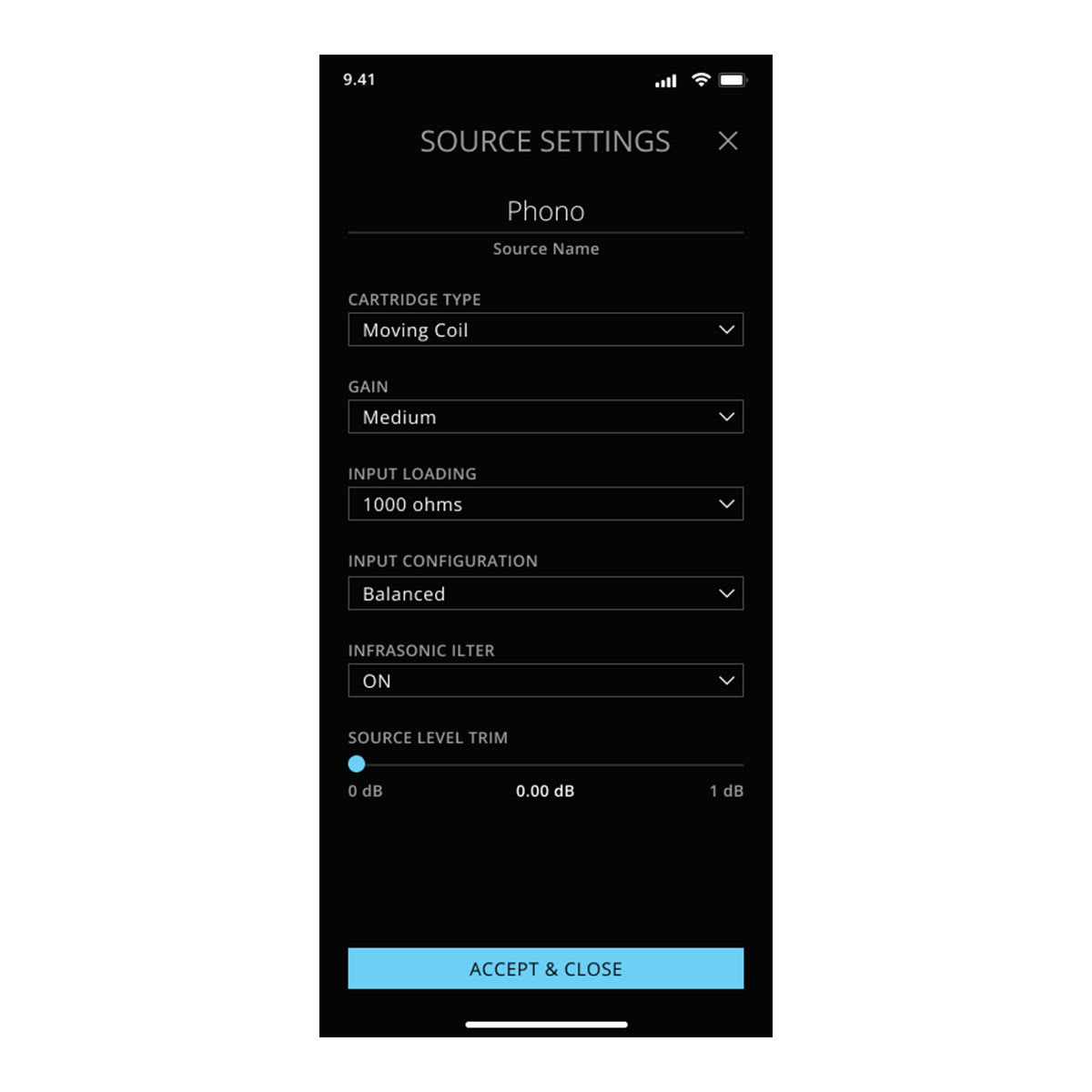
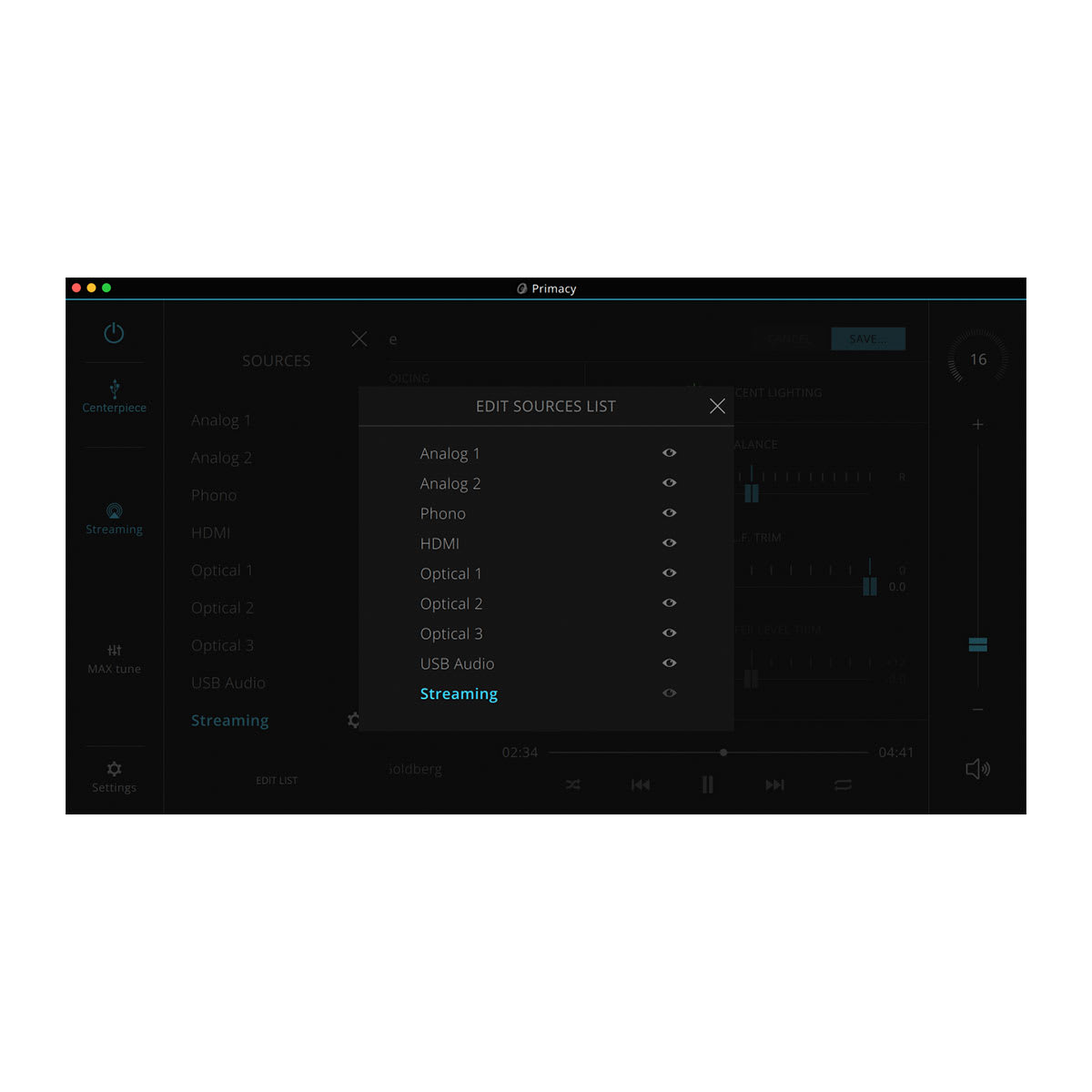
Set source-specific options, edit source names, and set source-level trim to balance volume levels between sources on your computer.




Reviews
There are no reviews yet.